
Working from home beats sitting in traffic on the 610 Loop any day of the week. However, moving your employees out of the office creates new risks for your company’s data. You need a specific strategy to secure remote workforce Houston teams effectively.
The “castle and moat” security model, where everyone sits safely behind an office firewall, is gone. Your data now lives on laptops in Katy, Sugar Land, and The Woodlands. This guide outlines seven practical steps to keep your business safe in this new environment.
1. Require Multi-Factor Authentication (MFA)
Passwords alone are no longer enough to protect your accounts. Hackers can easily steal or guess credentials, giving them the keys to your kingdom. You must implement Multi-Factor Authentication (MFA) for every single user.
MFA adds a second layer of protection, usually a code sent to a phone app. Even if a hacker gets a password, they cannot log in without that second code. It is the single most effective way to stop automated attacks.
2. Secure Home and Public Wi-Fi
Your office network has professional security tools, but a home router usually does not. Employees often work from coffee shops or hotels using unsecured public Wi-Fi. This makes it easy for cybercriminals to intercept sensitive data.
You should require the use of a Virtual Private Network (VPN) for all remote connections. A VPN creates an encrypted tunnel for your data, keeping it safe from prying eyes. Our network design and management services can help you configure this securely.
3. Manage Mobile Devices
Remote work often blurs the line between personal and professional devices. Employees might check email on their personal phones or use a home tablet for work tasks. This creates a massive blind spot for your IT security.
You need a way to secure company data on these devices without invading employee privacy. Mobile device management (MDM) services allow you to enforce security policies remotely. You can require passcodes and even wipe company data if a device is lost or stolen.
4. Train Your “Human Firewall”
Your employees are your first line of defense against cyberattacks. Unfortunately, they are also the most likely targets for phishing scams. A single click on a bad link can compromise your entire network.
Regular training turns your team into a security asset rather than a liability. We recommend ongoing cybersecurity awareness training in Houston to keep threats top-of-mind. This helps employees spot and report suspicious emails before they cause damage.
5. Move to Secure Cloud Solutions
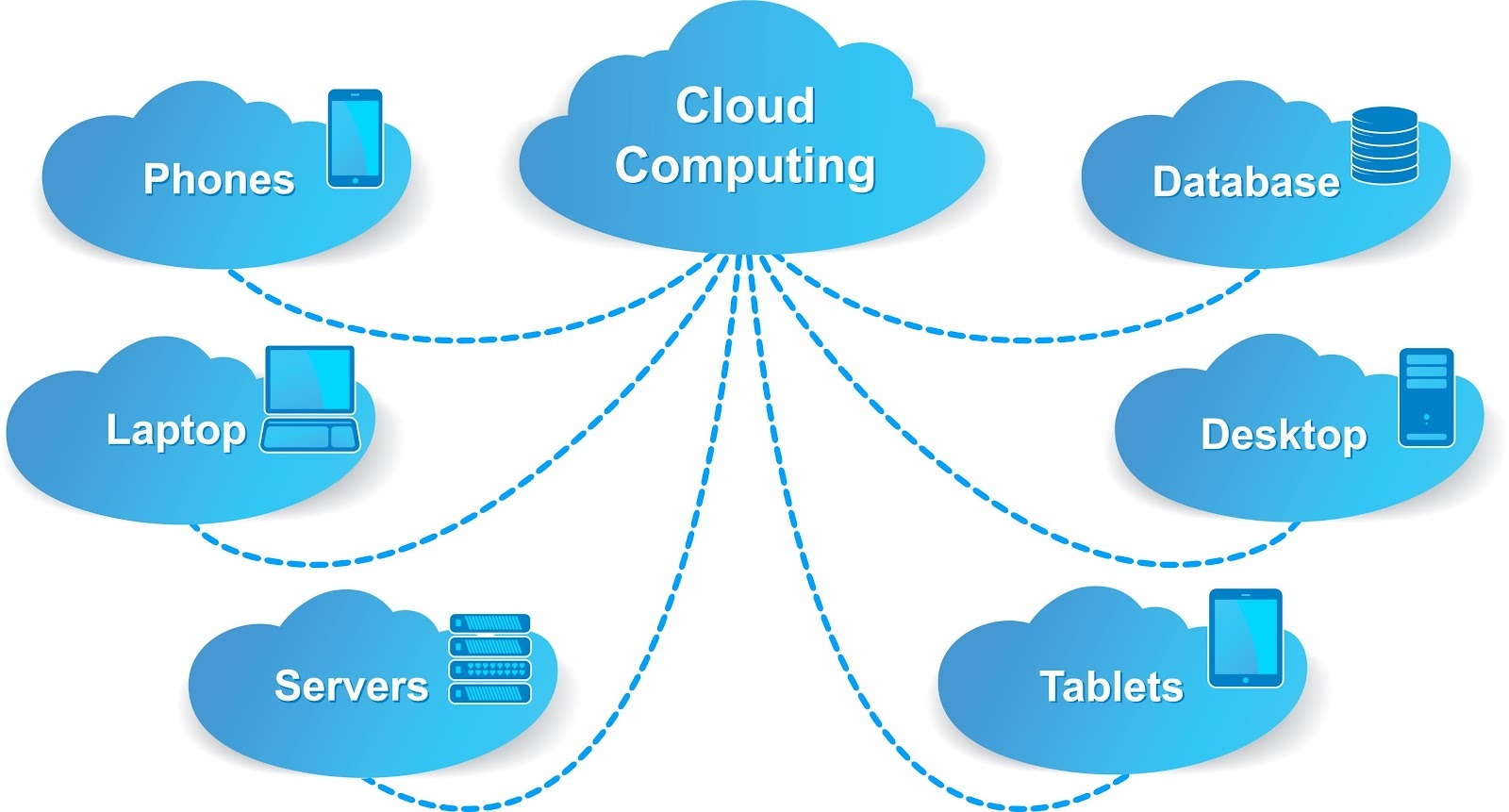
Storing files on a physical server in an empty office is inefficient and risky. Remote teams need fast, secure access to data from anywhere. Moving to the cloud is the standard for modern business operations.
Cloud platforms offer built-in security features that are often better than on-premise servers. They allow for real-time collaboration and automatic backups. Our cloud services ensure your migration is handled securely and correctly.
6. Upgrade to Advanced Endpoint Protection
Traditional antivirus software looks for known viruses, but modern threats are more sophisticated. Hackers now use “fileless” attacks that standard antivirus tools often miss. You need protection that is smarter than the attackers.
Endpoint Detection and Response (EDR) tools monitor your computers for suspicious behavior, not just known virus files. If a program starts acting strangely, the EDR system stops it immediately. This is a core component of our IT security services.
7. Keep Everything Updated
Software vulnerabilities are essentially open doors for hackers. When a software company finds a hole, they release a patch to close it. If you do not install that patch, you leave the door open.
Remote computers often miss these critical updates because they are not connected to the office network. You need an automated system to push updates to every laptop, no matter where it is. Keeping your software current is a basic but vital security hygiene practice.
Conclusion: Security Follows the User
The modern office is wherever your employees happen to be. To secure remote workforce Houston businesses must shift from protecting a building to protecting their people. By implementing these seven steps, you can embrace flexibility without sacrificing security.
This approach protects your reputation and your bottom line. It allows your team to work productively from anywhere in the city. You can focus on growth, knowing your data is safe.
At Nickel Idealtek Inc, we specialize in securing distributed teams across the Greater Houston area. We provide the tools and expertise needed to protect your business from modern cyber threats. As a leader in Small Business IT Support Houston, we are here to help you build a secure and resilient remote workforce.
What is the biggest security concern you have about your current remote work setup?
